Screenshots
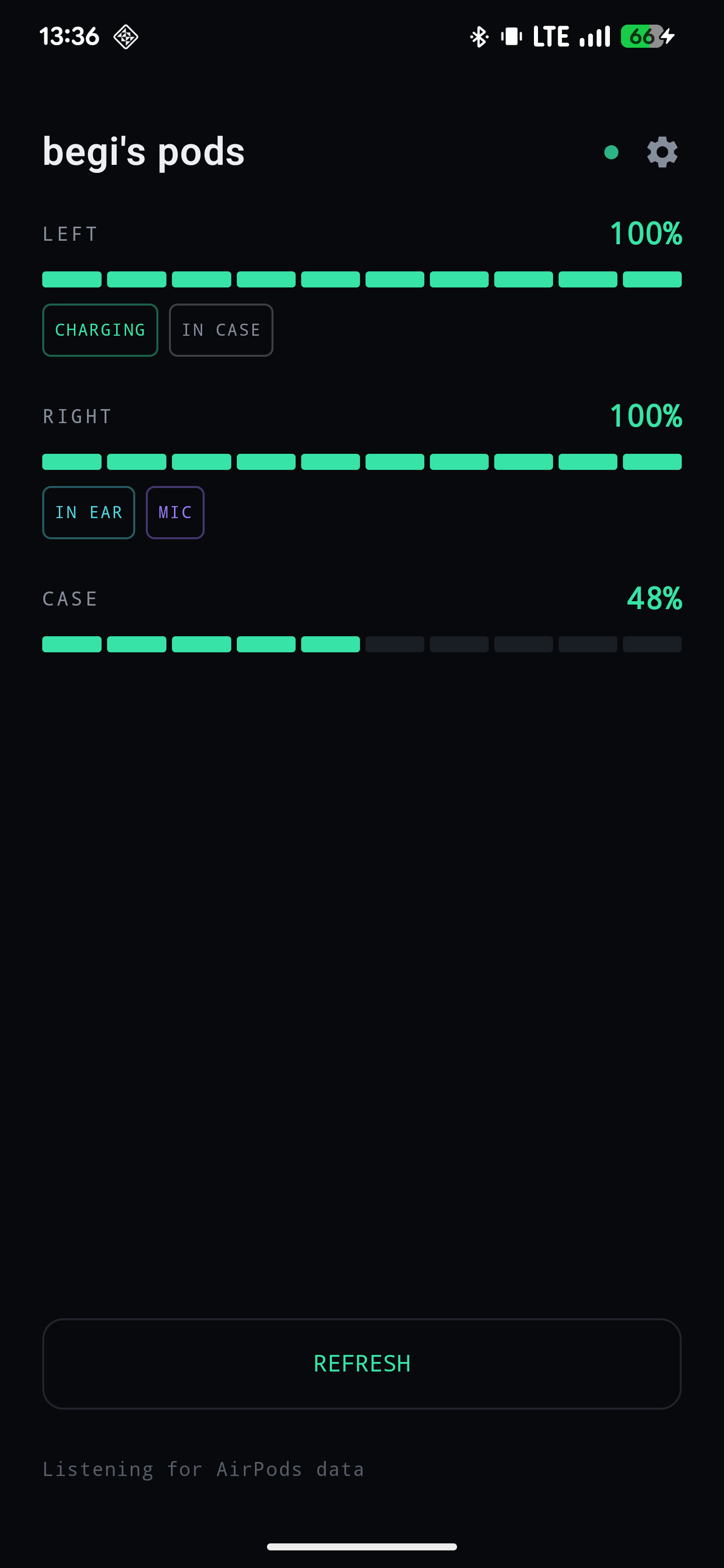
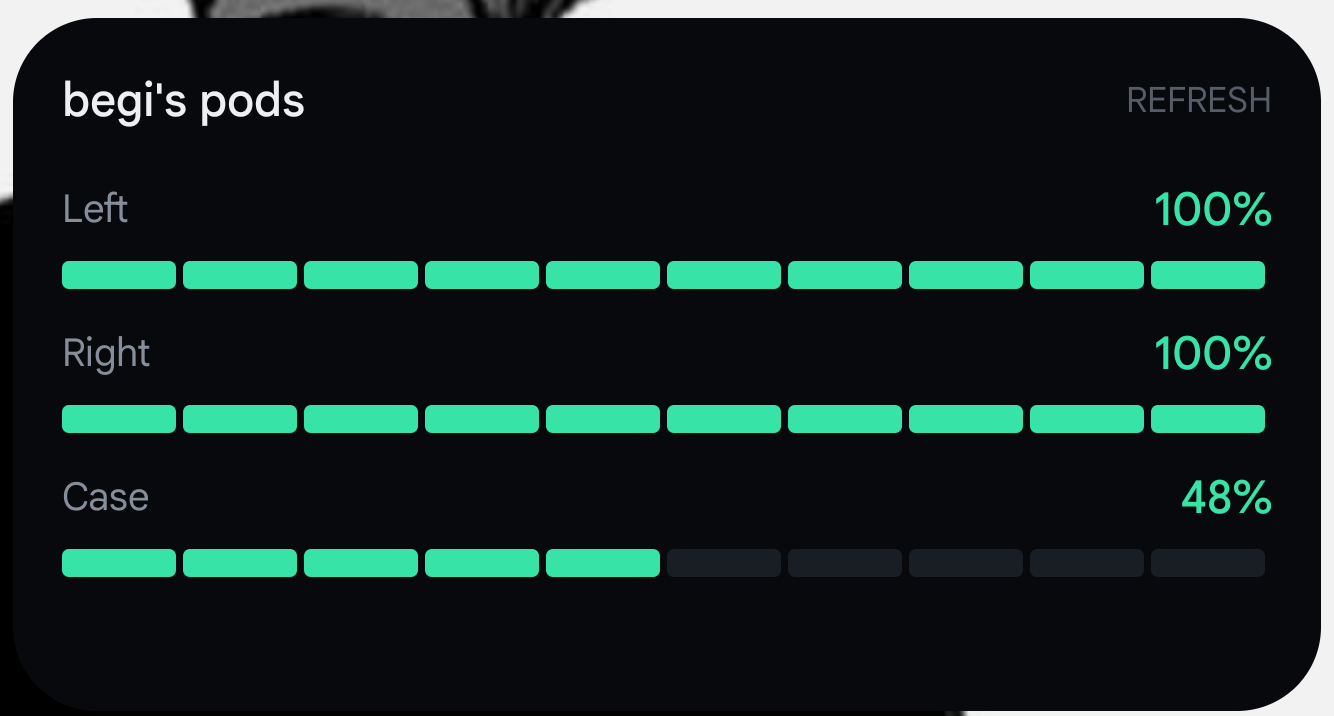
Left, right and case to the percent, in a home screen widget. No account, no ads, no internet, no root.
Left, right and case battery in 1% steps. Charging, which pod is in your ear, and which one is the microphone.
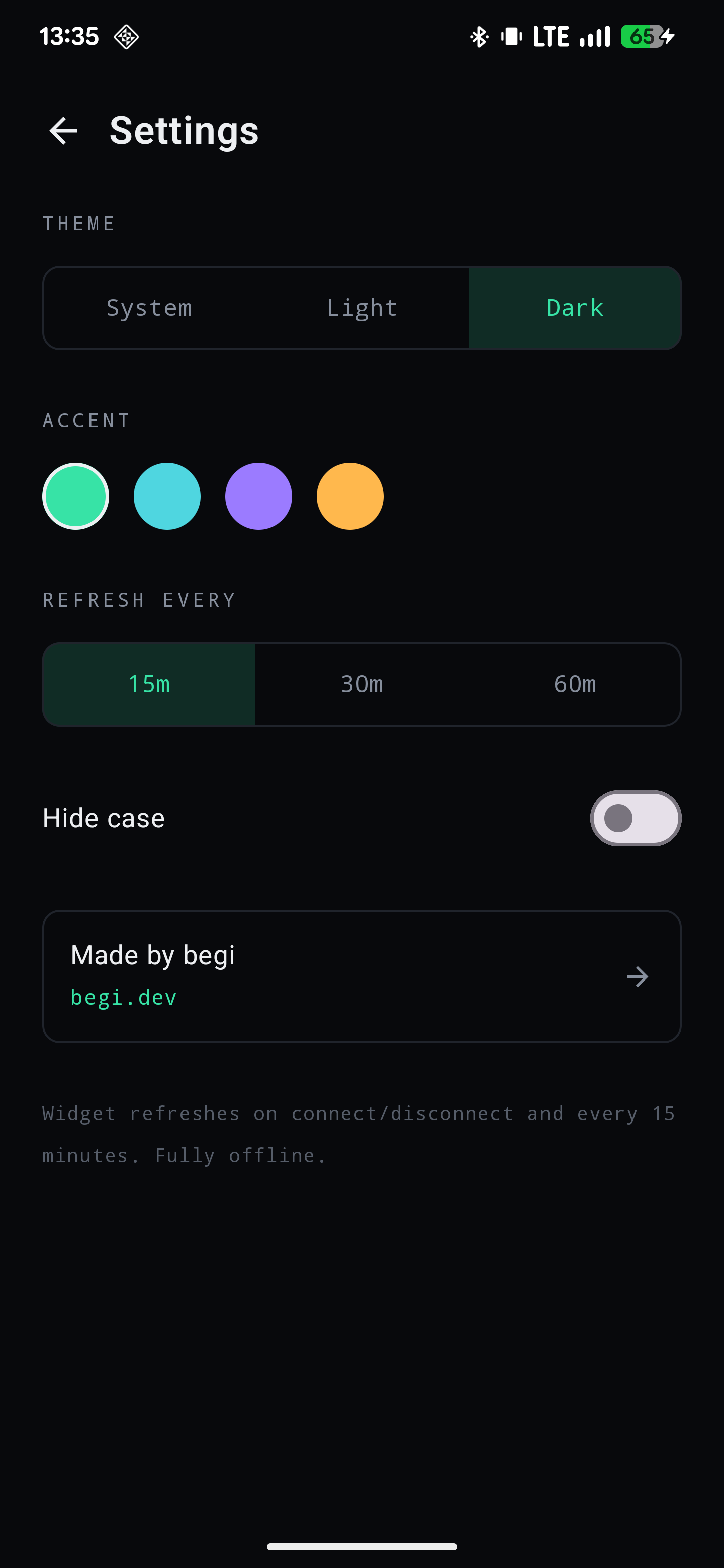
Resizable. Updates the moment your AirPods connect or disconnect, and on a timer you choose. No notification sitting in your shade.
There is no networking code in the app. One permission: Bluetooth. No location, no account, no analytics, no ads.
AirPods talk to Apple devices over a protocol Apple never documented, on a Bluetooth L2CAP channel. Poddy opens that channel, does the handshake, and listens to the status messages your AirPods are already sending: battery, charging, ear detection, microphone.
That's it. The connection is local, it doesn't interfere with your audio, and nothing is sent anywhere. No root, no modules, no Apple device required.
Download the APK and install it. Android will ask you to allow installing from your browser. That's normal for apps outside the Play Store.
Open Poddy and allow Bluetooth. It's the only permission it asks for.
Connect your AirPods to your phone as usual. Poddy reads them the moment they're connected.
Long press your home screen, pick Widgets, and drop Poddy wherever you like.
Your AirPods need to be connected to your phone. If they're shut in the case there's nothing to talk to.
The case only reports its battery while a pod is sitting inside it. Once Poddy has seen it, it keeps showing that value.
Built and tested against AirPods 4. Other models speak the same protocol and should work, but they haven't all been tried.